
WhatsApp Business: what it is and how to use it to sell food
You probably use WhatsApp every day and know it better than anyone, but heads up… When it comes to selling products, answering inquiries or sending information, you should use the Business version. Yes, today our focus is WhatsApp Business. We'll tell you everything! What…
April 11, 2022

You probably use WhatsApp every day and know it better than anyone, but heads up… When it comes to selling products, answering inquiries or sending information, you should use the Business version. Yes, today our focus is WhatsApp Business. We'll tell you everything!
What is WhatsApp Business?
The Business version, or WhatsApp for businesses, is the app you need if you want to sell products online. It's ideal for communicating with customers and prospects, answering inquiries, launching new products, sending catalogs and more. If you run an online food business, WhatsApp is the app you need for fast, efficient communication with your potential customers.
We'll also share some tips so you can make the most of the app and use it effectively. Stop waking up to thousands of messages: use the right channel for each stage of your digital food business. No more headaches or lost patience from sending the same product photo a thousand times or answering the same questions over and over (price, quantity, format, etc.). In the app you can create a digital catalog with 10 products and add a direct link to your online store so people can see more information.
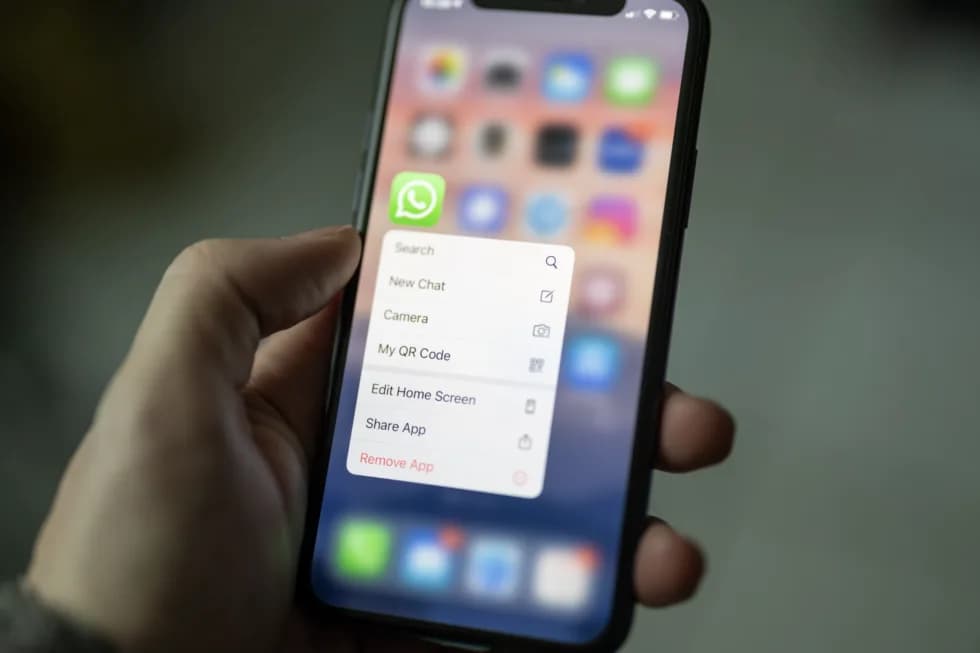
WhatsApp for business is a great complement to your online store.
Advantages of using WhatsApp for business
It's worth pointing out that a food store shouldn't use WhatsApp to take orders. That's exactly what your online store is for: it's open every day of the year, around the clock.
WhatsApp Business gives you all these advantages:
- Send updates or get in touch with customers and prospects. Turn on your catalog in the app. It's easy: you can upload up to 10 photos and also add the link to your online store so people can see more information and buy directly there. Also remember to add your WhatsApp link to your online store and social media. If you create your online food store on Agrojusto, the WhatsApp button is added by default, and it's super useful so users can contact you with just one click.
- List segmentation.
- Bulk messaging to lists.
- Promote your products. Launch special offers.
- Automate messages when you're not online during contact hours. Welcome everyone who writes to you and let them know your business hours (so they don't think you're ignoring them).
- Provide support or personalized service in special cases.
- Use labels to organize contacts. For example: regular customers, orders in progress, etc.
- Manage appointments or order delivery times.
- Analyze statistics and measure results.
- And much more!
You might also like: How to take your health food shop or natural foods store online
How to download WhatsApp Business
- If you have an Android or iOS phone, you can download the app for free.
- Once you have it, open it and accept the terms and conditions.
- Start setting up the app: enter your country and the details it asks for.
- Allow access to your photos and contacts.
- Make sure you choose the business profile and fill in your website or online store, contact email, business hours (if you also have a physical store), some details about your store, the type of food you sell, your story, etc.
- Don't forget to add your logo so people can recognize you and associate you with your online store.
Important tip: if more than one person wants to manage your WhatsApp Business account, keep in mind that up to 5 users can currently do so on 5 devices.
What broadcast lists are and what they're for
If you're going to send a message to several people or customers, don't create a group; use broadcast lists instead.
Lists let you create groups of contacts based on different categories. Each person will receive your message individually and won't know they're part of a list. To them, it will be just another message. Don't send the same thing to everyone; that's what categories are for. Take care of your customers, and also give a more personal touch to those who aren't customers yet, perhaps with a perk or an extra discount.
Key point: only users who have added you to their contacts will receive your message. Avoid getting blocked. Always respect what people ask for or want: for example, to be removed from your contact list, to stop receiving information, to receive fewer messages, etc.
What not to do on WhatsApp Business
Keep in mind that many things can annoy your customers or prospects. Here's what you should avoid when using the app.
- Being rude. Try to empathize with people. Humanize your brand.
- Not making your business hours clear. State them up front so no one gets upset about not getting an immediate reply.
- Sending messages with spelling mistakes. Don't rush: check everything before you send it.
- Sending thousands of messages. Don't: send only the ones that are necessary.
- Creating groups with customers or prospects. Use broadcast lists only.
- Adding numbers and sending information to just anyone. Everyone must have agreed to receive information; in other words, if someone hasn't given you their phone number, don't add them to your lists.
- Sharing a promotion or discount that has already expired.
Conclusion
As you can see, WhatsApp Business is a tool that complements your online store for food. They work together to grow your digital business and attract new customers.