
How to download orders to Excel or Sheets
We recently launched a new tool for all entrepreneurs and retailers who have their online store on Agrojusto: how to download orders into an Excel or Sheets template. See how it works! Quickly and easily, you can have…
February 8, 2022
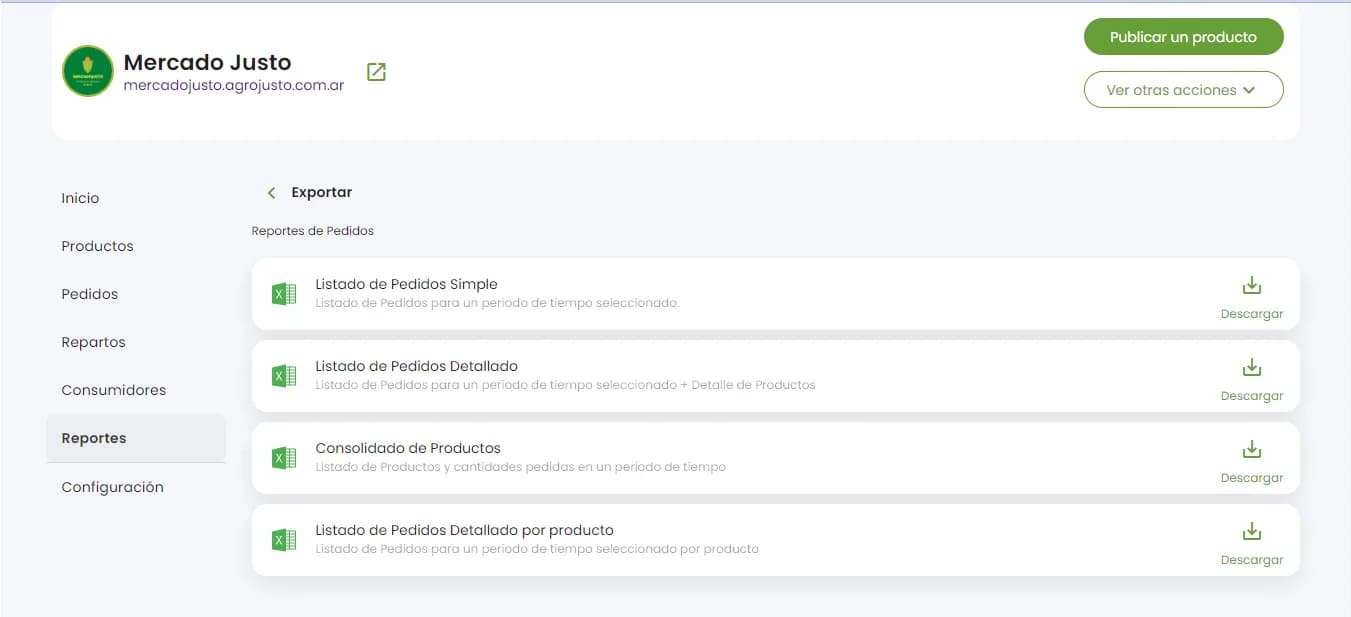
We recently launched a new tool for all entrepreneurs and retailers who have their online store on Agrojusto: how to download orders into an Excel or Sheets template.
See how it works!
Quickly and easily, you can have all the orders you've received in a single document and work with that data. Plan your deliveries in an organized way and keep all the information at hand!
How to download your order list to Excel or Sheets
- Log in to your Agrojusto account. If you don't have one yet, you can sign up completely free and create an online food store.
- Once you're logged in, in the Online Store section, go to Reports.
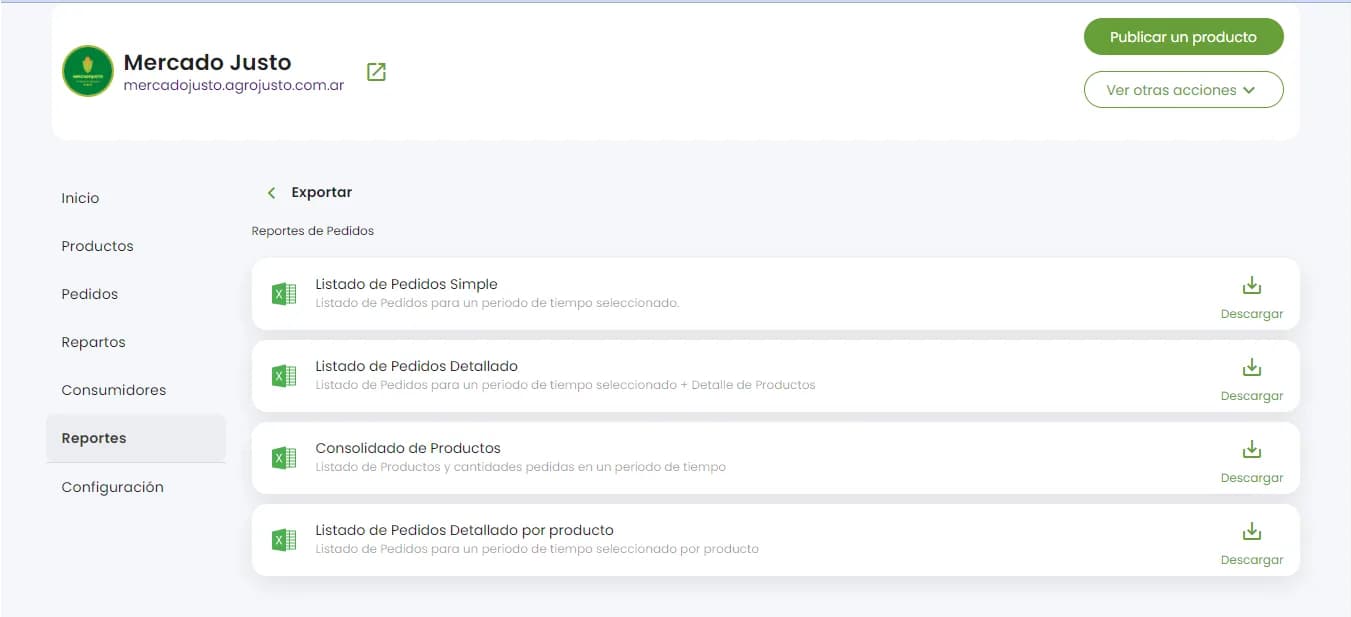
- You'll see 4 types of reports available: Simple, Detailed, Consolidated products, and Orders detailed by product.
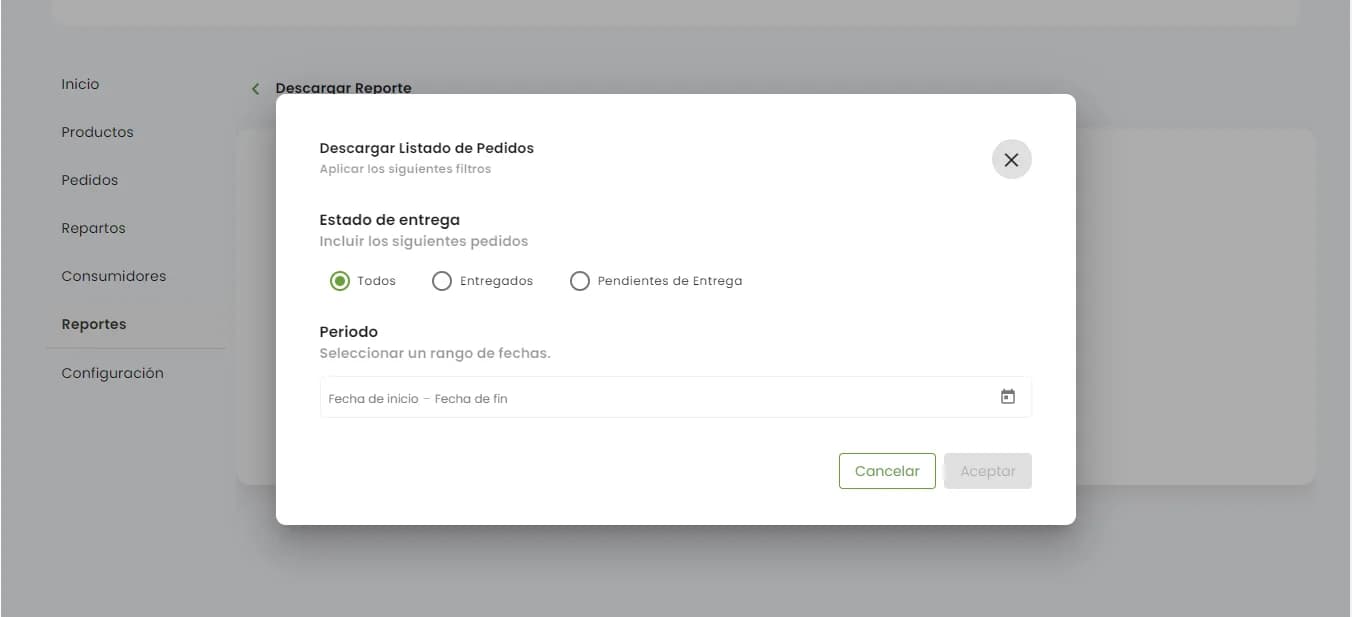
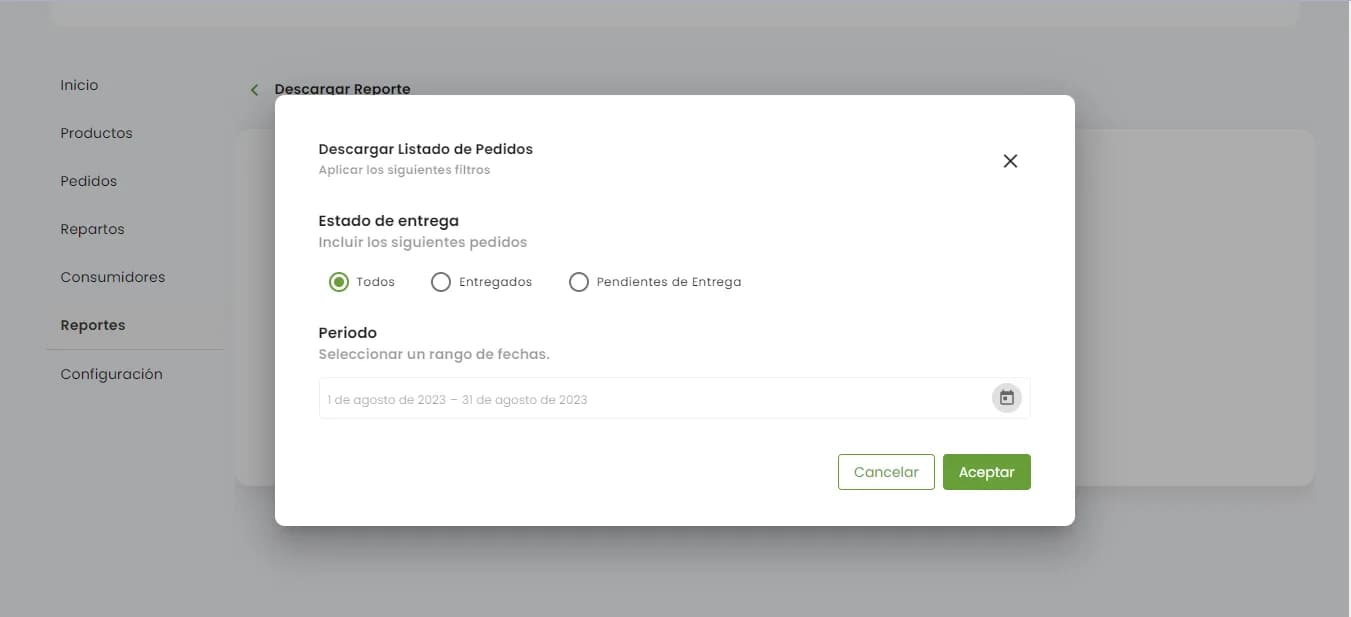
- Customize the list you want to export based on the status of your orders by selecting delivered or pending delivery.
- Keep track of the goods you've sold and get organized when planning the logistics of your pending deliveries.
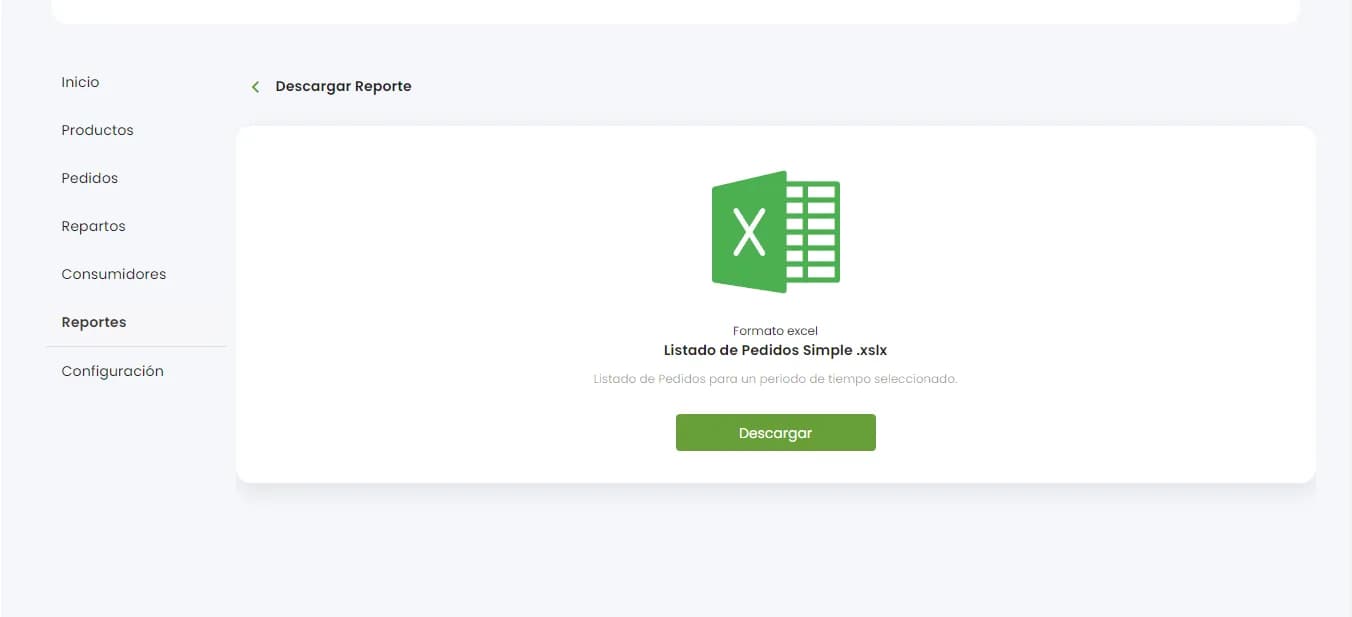
Below, let's look at some images showing how to download the simple order list.
What types of downloads can you do?
Simple order: You can download a specific time period. Available on Agrojusto's free plan.
Detailed order: You can select a time period and see the products customers bought from you in detail.
Consolidated order: You can see the list of products and the quantities ordered during a time period.
Orders detailed by product: You can see a list of orders for a selected time period, broken down by product
At Agrojusto, we want you to grow your business, so we keep improving and listening to our users to make their experience with our platform the best it can be.