Create social media designs for your healthy food store
There's a very simple way to learn how to create designs for a healthy food store or health food shop. Agrojusto designer Agustina Andrada will show you how to make your own designs for social media, or for anywhere you like, in no time. Let's go step by…
June 23, 2022
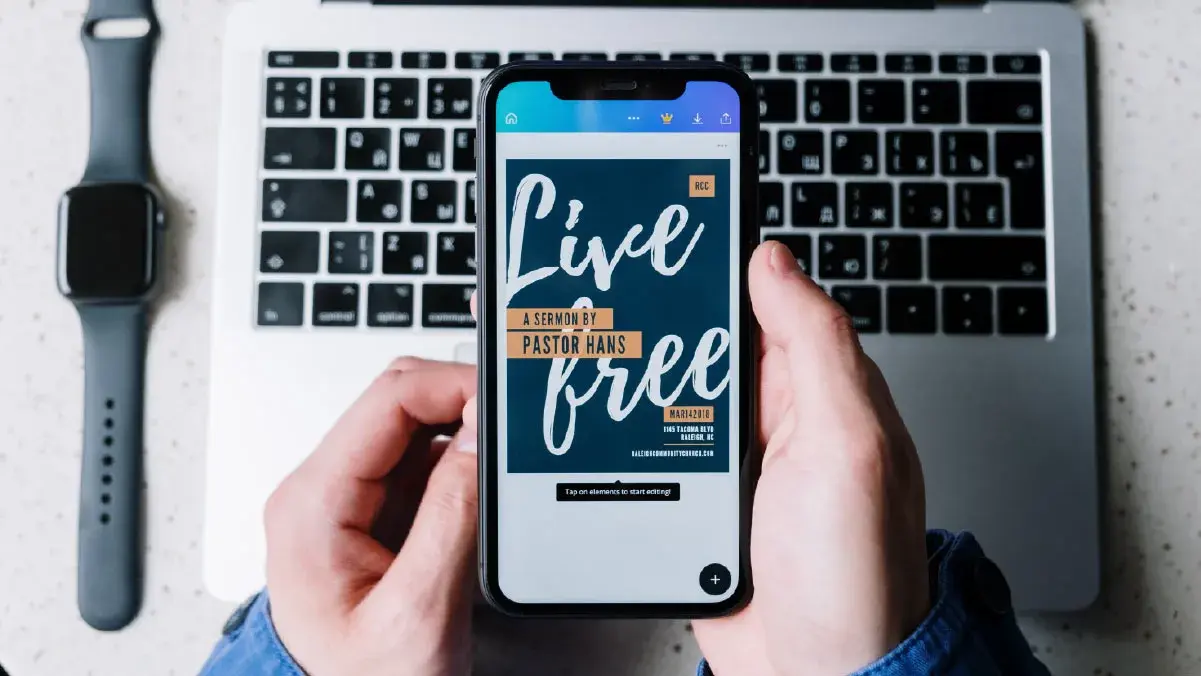
There's a very simple way to learn how to create designs for a healthy food store or health food shop. Agrojusto designer Agustina Andrada will show you how to make your own designs for social media, or for anywhere you like, in no time.
Let's go step by step.
Brand identity
Your identity is what represents you as a brand, business, or venture. You need to define it and keep it consistent over time.
What brand identity includes:
All these elements will stick in consumers' minds. Defining them well is key.
- The name.
- The logo.
- Brand colors: choose 3 to 5 colors and stick with them.
- Typefaces: choose one or two.
- Shapes / Elements / Icons.
Content: what to post on my social media
What am I going to communicate and convey to my potential customers?
What will hook my audience? What would they like to find?
Don't post only prices and products; that alone doesn't grab attention. Think about content that connects with people.
Use these ideas as a guide:
- Benefits of my products/foods.
- What that food does. How it helps the body or mind. For example, you can post healthy recipes.
- Which products are in season, and which are easiest to find at this time of year.
You might also like: What content to post on a health food shop's social media
What to keep in mind before designing
- The amount of information. Ideally, break the information into short phrases and create carousels with several images for Instagram and Facebook.
- Highlight images and text.
- Pay attention to margins and spacing. Every element should be well centered.
- Keep a visual balance. We'll show you how to achieve it later on.
- Create an information hierarchy. Order it by priority.
How to create free designs for a healthy food store with Canva
- Create a free account on Canva. It's an online tool with a free version and a paid one. You can easily use the free version for your food venture or business.
- You can search for ready-made templates or start from scratch with your own. You have a wide range of colors and typefaces at hand. There are ready-made templates for regular posts and for stories too.
- Try to leave free margins and white space to give the design room to breathe. Also, prioritize elements based on a hierarchy.
- Save your posts as image files.
- With Canva, you can share your designs with someone else on your team or with a partner.
Interested in opening your own online store?
Download these ready-to-use designs for your social media.

Conclusion
Agustina Andrada, a web design expert, gave you her best tips so you can create designs for a healthy food store and share great-looking posts on your social media. As you've seen, it's not complicated at all.
We wrap up this post with a food photography guide, which you can download to learn how to take better photos and make the most of them on your social media and online store.